
How to Generate Client Statements
The Statement report generates a per-client statement from your invoices — one statement per client, built directly from a found set of invoices. This article walks through building that found set and running the report.
Building the Invoice Query
Start by going to Invoices and querying for the invoices you want included on your statements. A simple, reusable query for this is:
- Status set to Issued
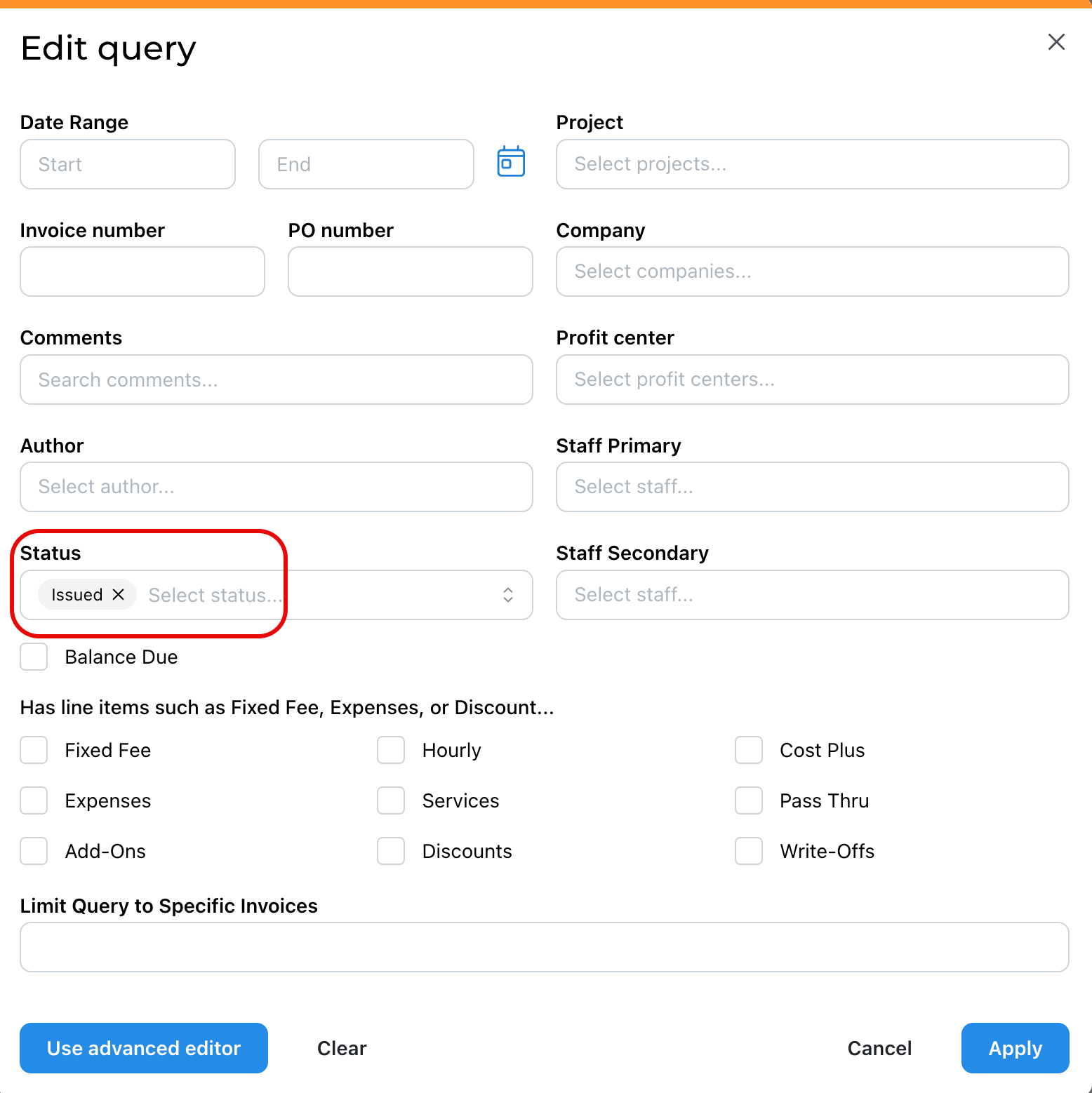
Since this is a query you'll likely want to run repeatedly, save it with a recognizable name — for example, "Statements" — so you can recall it instantly next time instead of rebuilding it.
Running the Statement Report
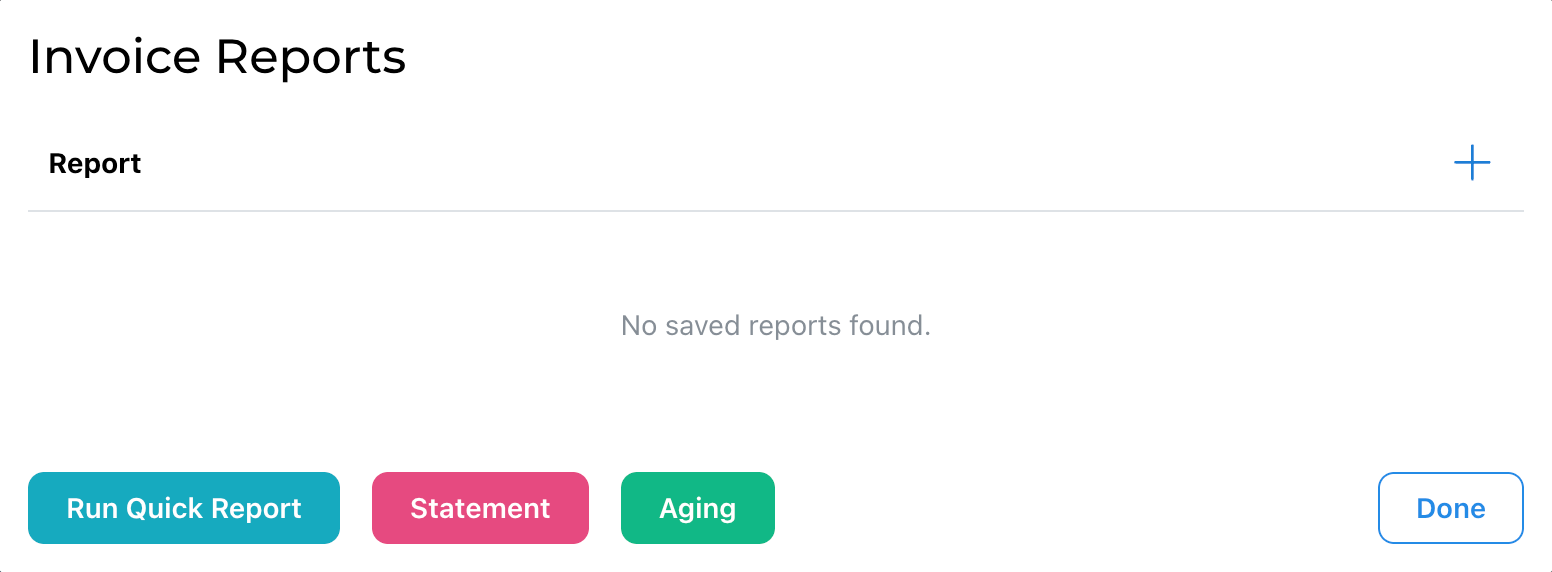
With your found set of invoices in place, select Reports and choose the Statement button.
Set your print formatting:
- Paper Size — for example, Letter.
- Orientation — Portrait or Landscape.
- Include Timestamp — adds the date and time the report was generated to the report header.
- Include User — adds the name of the user who generated the report to the report header.
The report confirms how many client statements it will generate, based on the distinct clients represented in your found set of invoices — you can expand Show Companies to see exactly which clients are included before running.
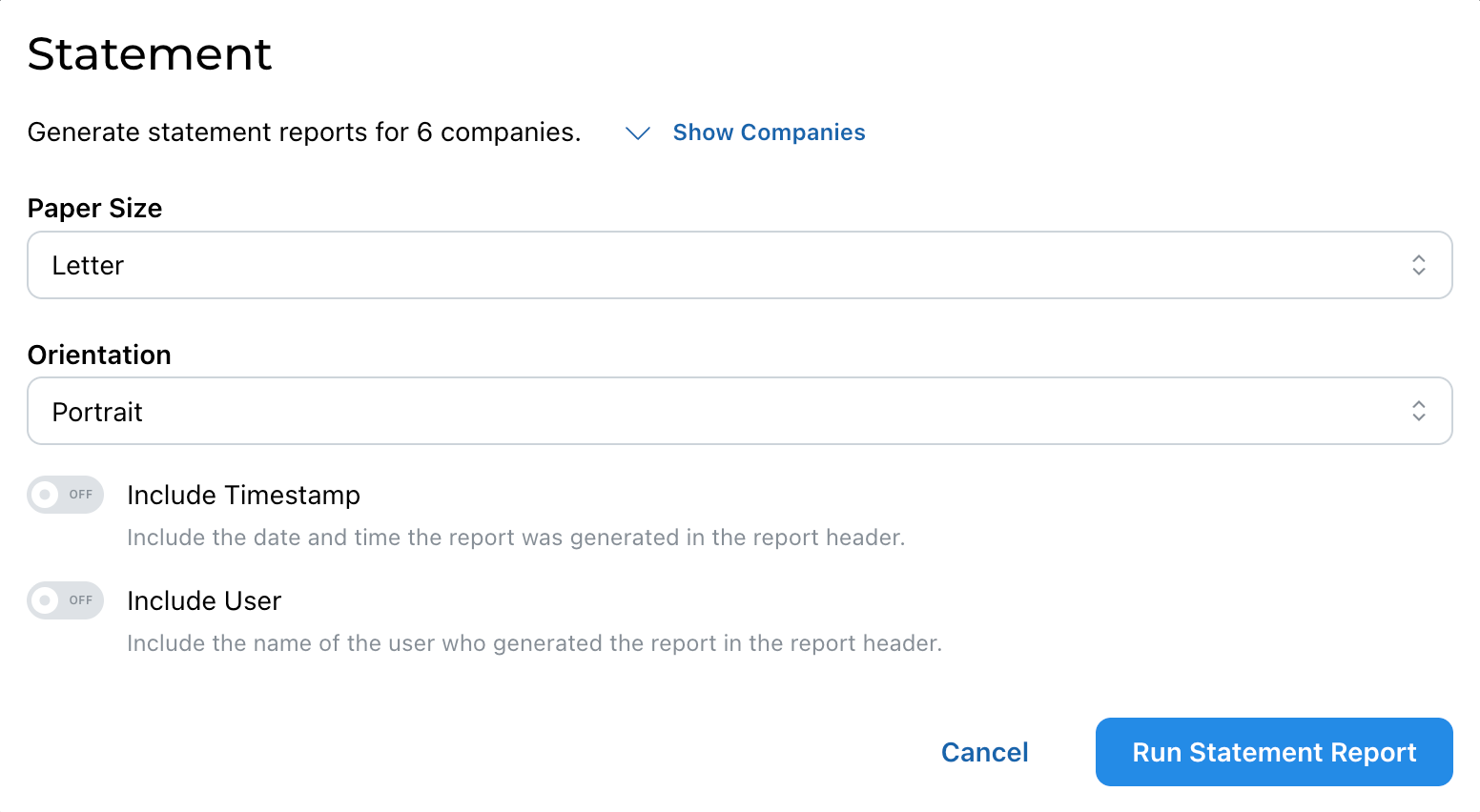
Select Run Statement Report.
Downloading Your Statements
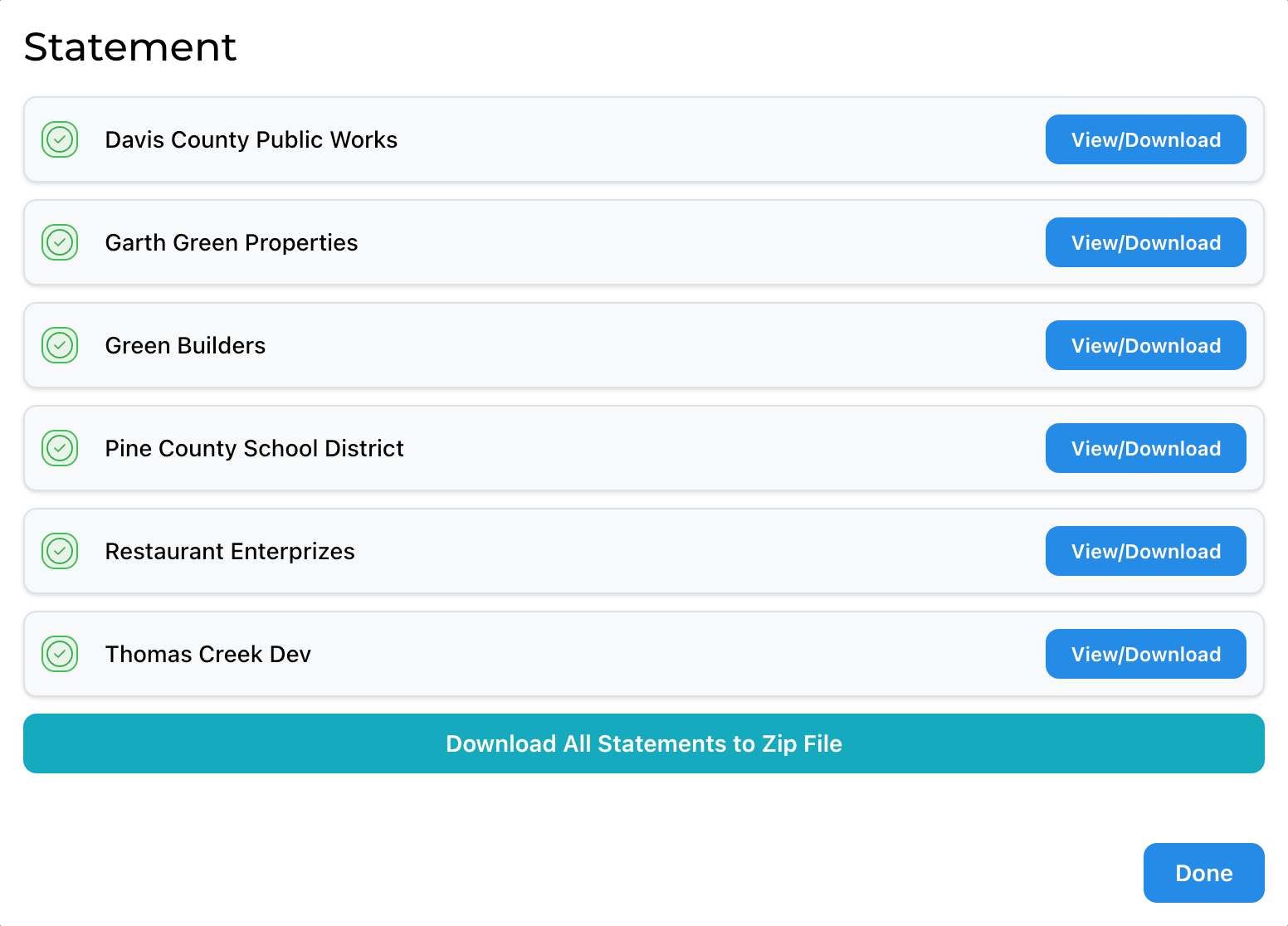
BaseBuilders builds one statement per client, pulling together all of that client's matching invoices into a single document. Once the report finishes, you can:
- Select View/Download next to an individual client to get just their statement.
- Select Download All Statements to Zip File to get every statement from the run in one download.
Best Practice
Save your statement query (Status: Issued, Balance Due checked) under a clear name like "Statements" rather than rebuilding it each billing cycle — since the Statement report always reflects whatever found set of invoices is active when you run it, a saved query keeps the process fast and consistent every time.
Summary
Client statements are generated from a found set of invoices — typically queried by Status: Issued with Balance Due checked, and worth saving for reuse. Running the Statement report from Reports builds one statement per client represented in that found set, after you confirm basic print settings (paper size, orientation, timestamp, and user). Once generated, statements can be downloaded individually or all at once as a zip file.