
Auto Numbering Settings for Projects, Proposals, and Invoices
Auto-numbering is optional but highly recommended. Click your name/avatar at the bottom of the main navigation panel to open settings.
Smart Number Generation
When generating a new number, all of the existing values are searched to find the values that match the pattern created by your selected tokens. The next serial number is then generated by incrementing the largest value found in the pattern-matching search.
If you modify existing numbers so that they no longer match the current pattern, including dashes, dots, spaces, letters, etc., they will not be considered by the number generator. If you update your pattern format, you will need to set a starting number that resumes where you left off, rather than starting at 1.
Using the Tokens
Tokens are placeholders that are replaced with current values when the number is generated. They include the following.
- Serial Number
- 4 Digit Year
- 2 Digit Year
- Month
- Day
- Project Number - used for invoices only
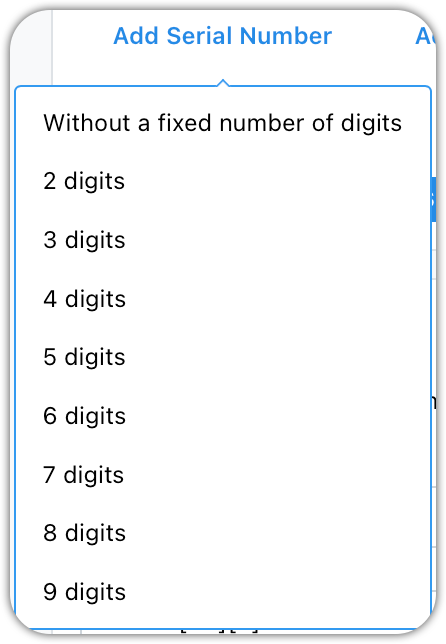
Serial Number: This one is required. It may have an optional number of characters. When inserted, it will appear as either the letter N in brackets, [N], or an integer between 1 and 9, [3]. If you use an integer, leading zeros will be added as needed to meet the specified width.
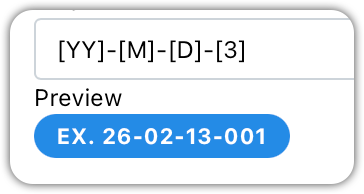
[YY] is replaced by the two digit year
[M] is replaced by the two digit month
[D] is replaced by the two digit day
[3] is replaced by a three digit serial number
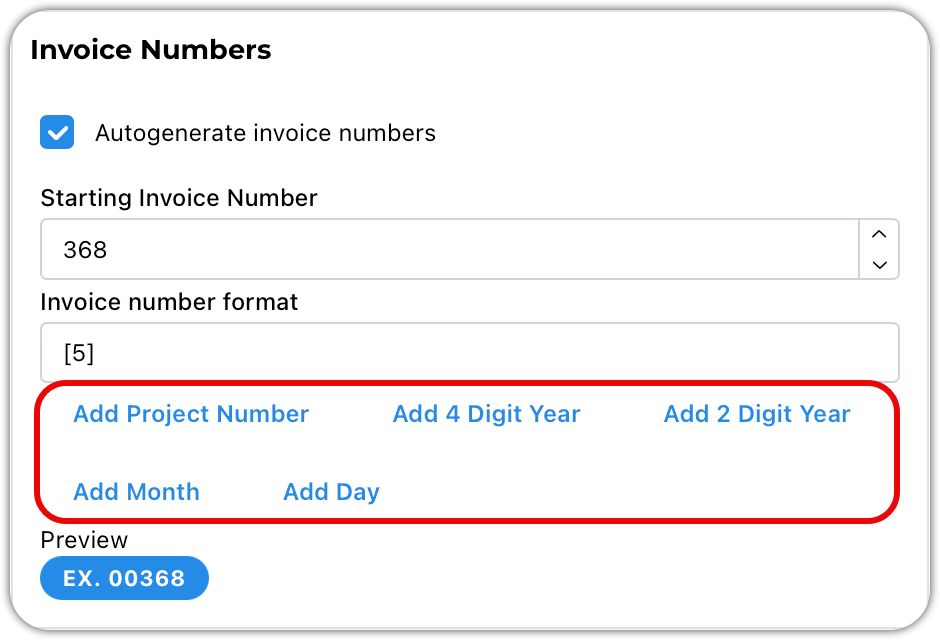
Click on the blue tokens to insert them into field.
Search phases
- How do I set up project numbers
- How do I set up invoice numbers
- How do I set up proposal numbers
- How do I set the next invoice number, next project number, next proposal number