
Todo Settings
Settings control how due dates are calculated, while Master Todos allow you to build reusable tasks, checklists, and workflows. Click your name/avatar at the bottom of the main navigation panel to open settings.
Overview
The Todo Settings area allows you to:
- Control how “days until due” is calculated
- Create reusable Master Todos
- Define Todo tags for searching and organization
These settings help standardize task management across projects and proposals.
General Tab
The General tab controls how due dates are calculated.
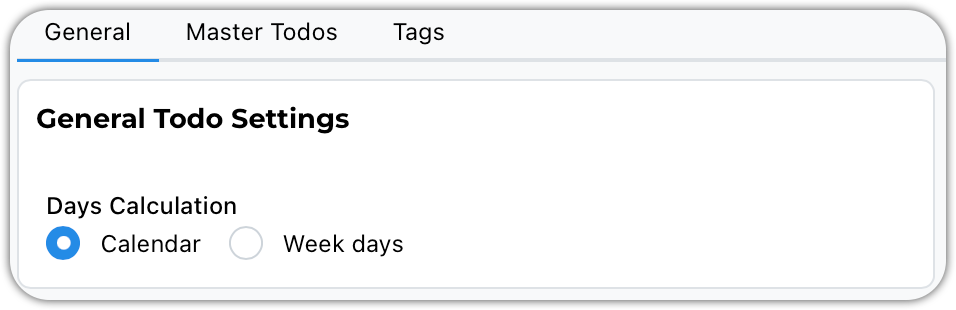
Calendar vs Weekdays
Choose whether the system:
- Includes weekends (**Calendar Days**), or
- Excludes weekends (**Weekdays Only**)
Example
If a Todo is due Tuesday and today is Friday:
- Weekdays Only → Shows 2 days remaining
- Calendar Days → Shows 4 days remaining
Select the method that best matches your workflow.
Master Todos
Master Todos are reusable task templates.
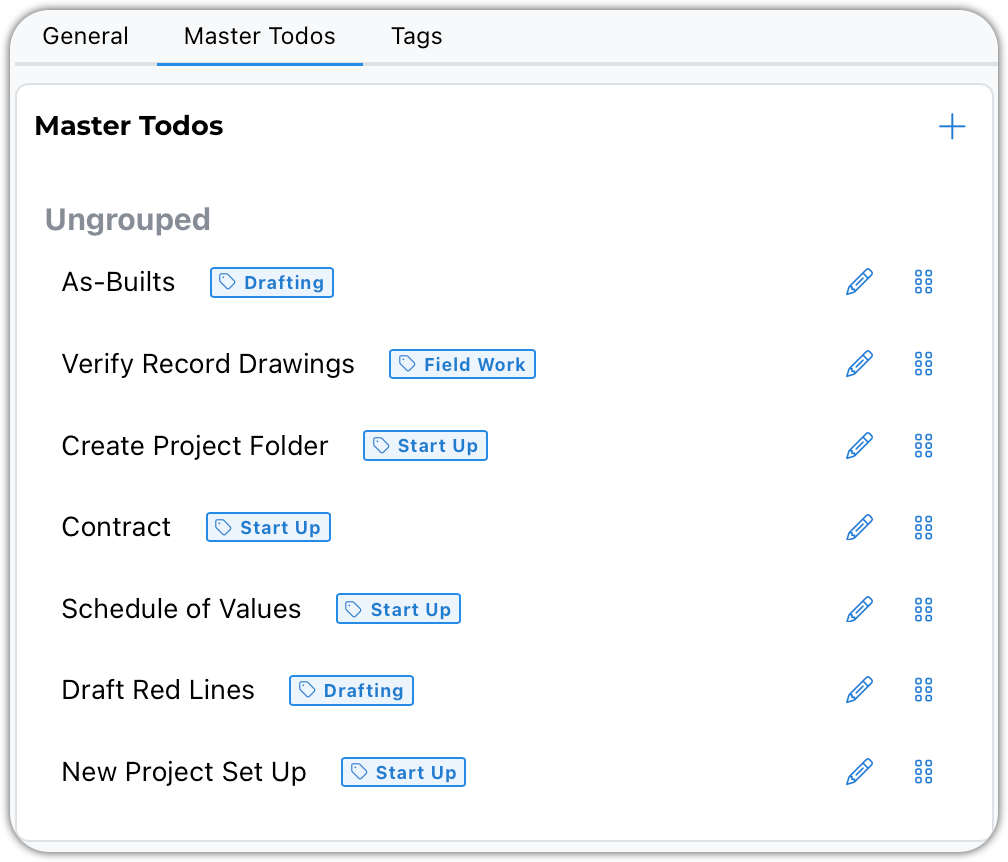
They are ideal for:
- Checklists
- Standard procedures
- Repeated design tasks
- Agency review requirements
- Internal QA/QC steps
Common Use Cases
Recurring Workflows
- Design checklists
- Submittal reviews
- Closeout procedures
Discipline-Specific Tasks
- Backup generator design checklist
- Permit submission steps
Agency / Department Standards
- Plan check corrections
- Compliance reminders
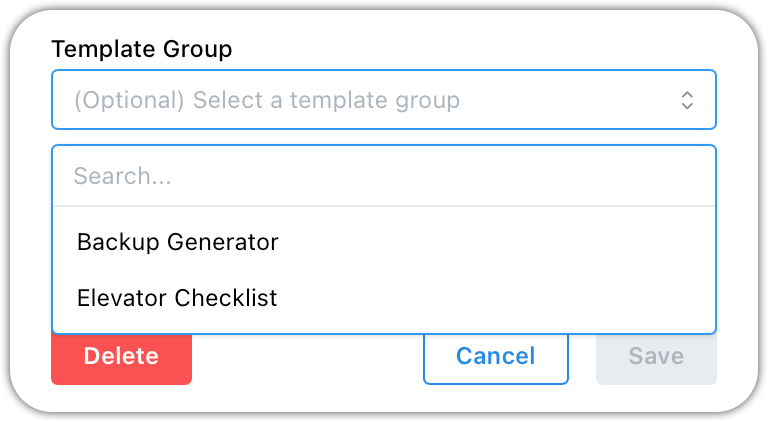
Grouping Master Todos
Master To-Dos can be grouped into template categories.
Anatomy of a Master Todo
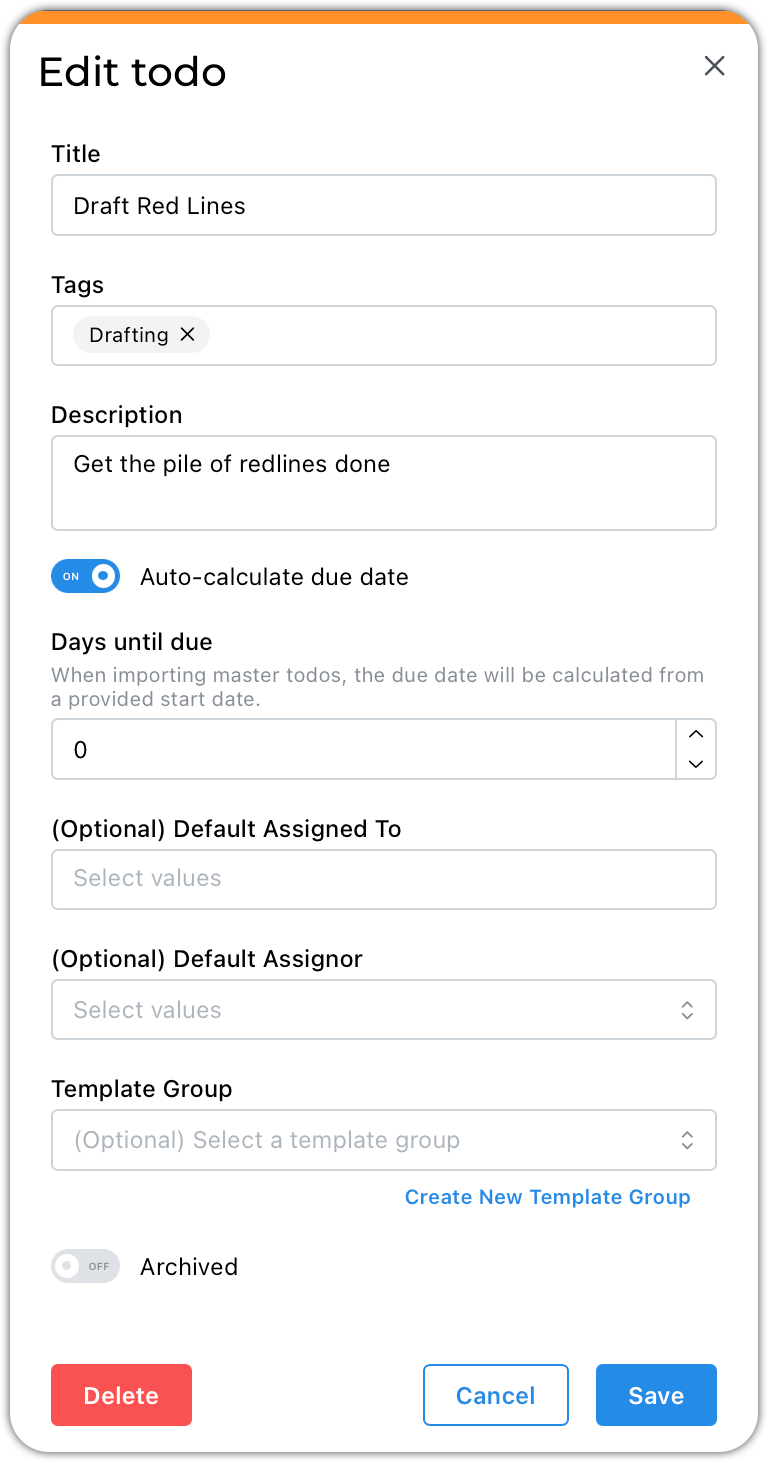
- Titles should define the task at hand
- Tags will make searching for todos more useful
- The description should explain the work to be done
- The auto-calculate due date is a snazzy feature. It will automatically set a due date x number of days from today.
- There may be a go-to person to whom this task is always assigned. Feel free to add them.
Best Practices
- Build Master Todos gradually
- Add templates as workflows naturally repeat
- Avoid trying to design every checklist on day one
- Group related tasks for easier project imports
- Use Days Until Due for deadline-driven processes