
How to Report Income by Project (line item report)
Do you need to know how much income came in on each project during a specific time period, such as last year or this year? The Income Line Items report is built for exactly that. This article explains why it exists and how to use it. It's a sister report to How to Report Payouts by Project.
Why the Project List Isn't Enough
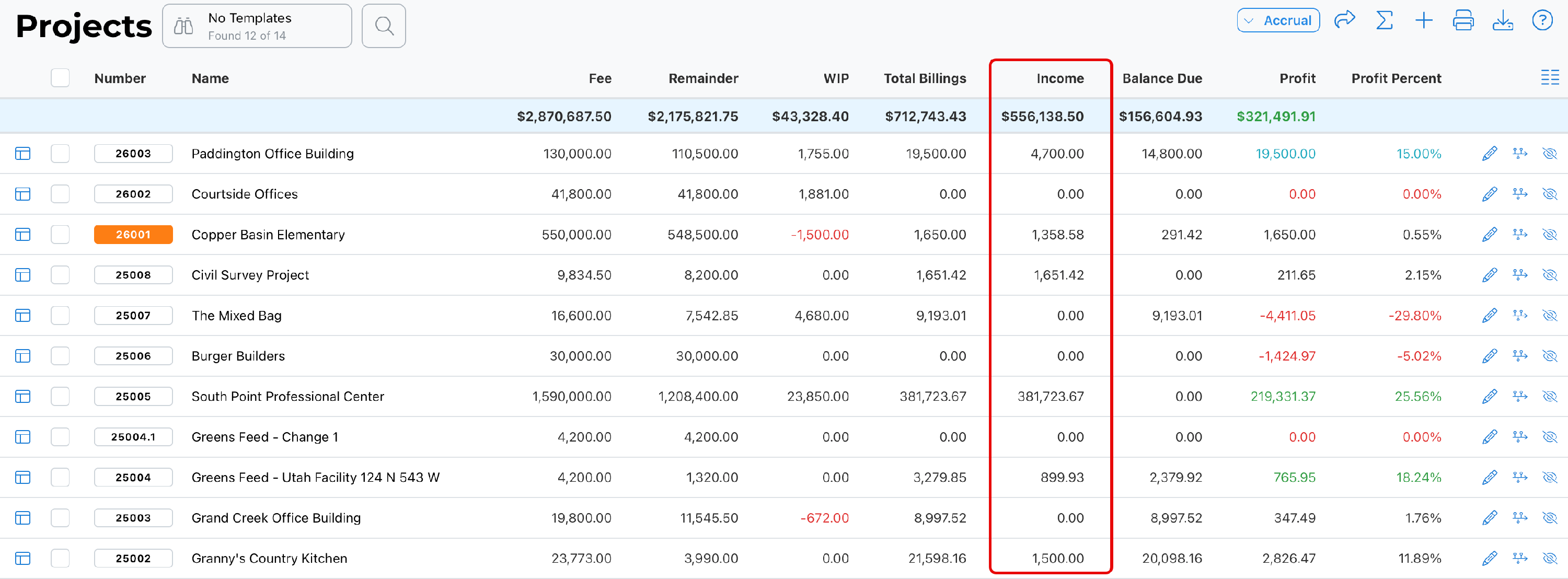
The Projects list includes an Income column, but it doesn't tell you when that income came in. If you need income by project for a particular period, perhaps for a year-end review or for your errors and omissions (E&O) insurance renewal, that column can't answer the question.
Why You Can't Just Total the Income Records
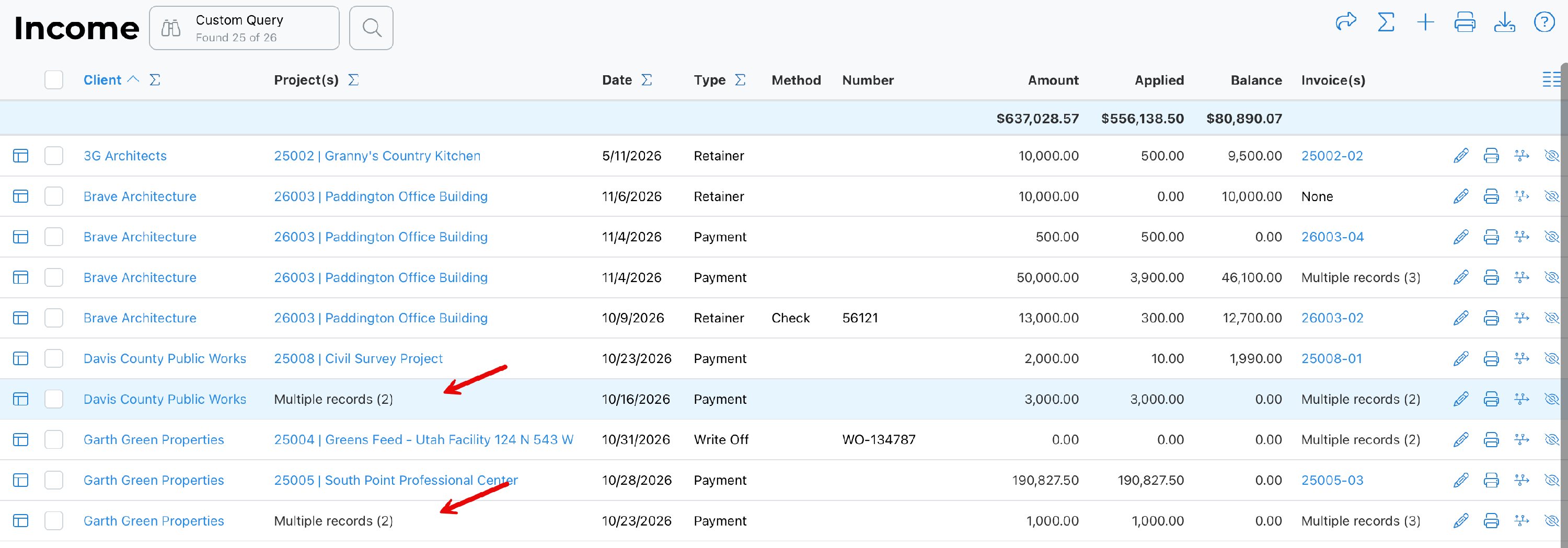
It might seem like you could query your income for the date range, look at the list, and add it up. The problem is that one income record can apply to more than one project. When a client pays you, the payment may cover invoices on two, three, four, or five different projects, depending on the kinds of clients you have. In the Income list, those records show up as multiple projects rather than a single one, so the record's total can't be attributed to any one project.
The Solution: Income Line Items
Every line item of an income record is tied to an invoice, and every invoice is tied to a project. The Income Line Items report works at that level, so each dollar is attributed to the right project.
Running the Report
- Go to Income and run a query for the date range you want to report on, along with any other criteria you need. This gives you all the income that fits.
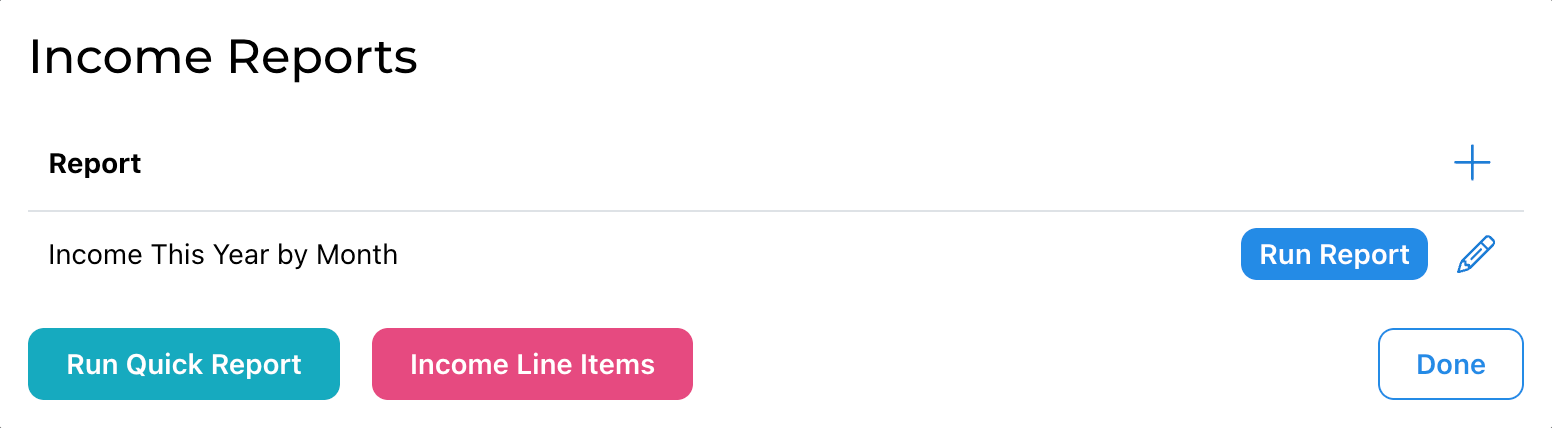
- Select Reports and choose Income Line Items.
- Choose how you want it summarized.
Summarizing the Report
There's a very good chance you'll want to summarize by project. Other options include:
- Client, then project. Line items tie to the client you billed, so this is available if you want it.
- Project, then a tracking field or custom field. For example, if you have a custom field that matches your E&O insurance categories, you can get income by E&O category for a given time frame.
Best Practice
Always use the Income Line Items report, rather than the income list totals, when you need income broken out by project or by project category. For E&O renewals, set up a custom field matching your insurer's categories ahead of time so you can group by it directly.
Summary
The Projects list shows income but not when it was received, and a single income record can be tied to several projects, so income list totals can't be attributed to one project. To report income by project for a time period, query Income for the date range, then run the Income Line Items report, which works at the line-item level where each item is tied to an invoice and its project. Summarize by project, by client then project, or by project then a tracking or custom field, such as your E&O categories.