
Building and Using Queries
Queries let you decide exactly which records you’re viewing in any module. You can think of queries as saved searches that pull the right data from the database—whether you’re working with companies, contacts, projects, time, invoices, or more. This article explains how queries work, how to build them, and how to save and reuse them.
Overview
Queries control what records appear in list views. Once records are filtered using a query, you can:
- Review data on the screen
- Sort and summarize it
- Run reports using those records
Queries are the foundation for reporting and analysis throughout the system.
Understanding Record Counts
At the top of a list view, you’ll see how many records are included from the total database count.
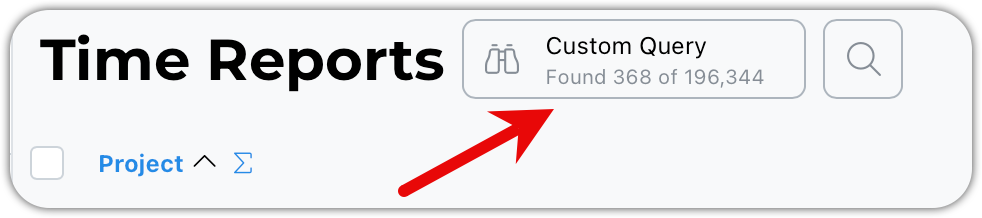
This tells you:
- How many records match your query
- How many total records exist
When you apply a query, this count updates automatically.
Using Predefined Queries
Some queries are predefined for you.
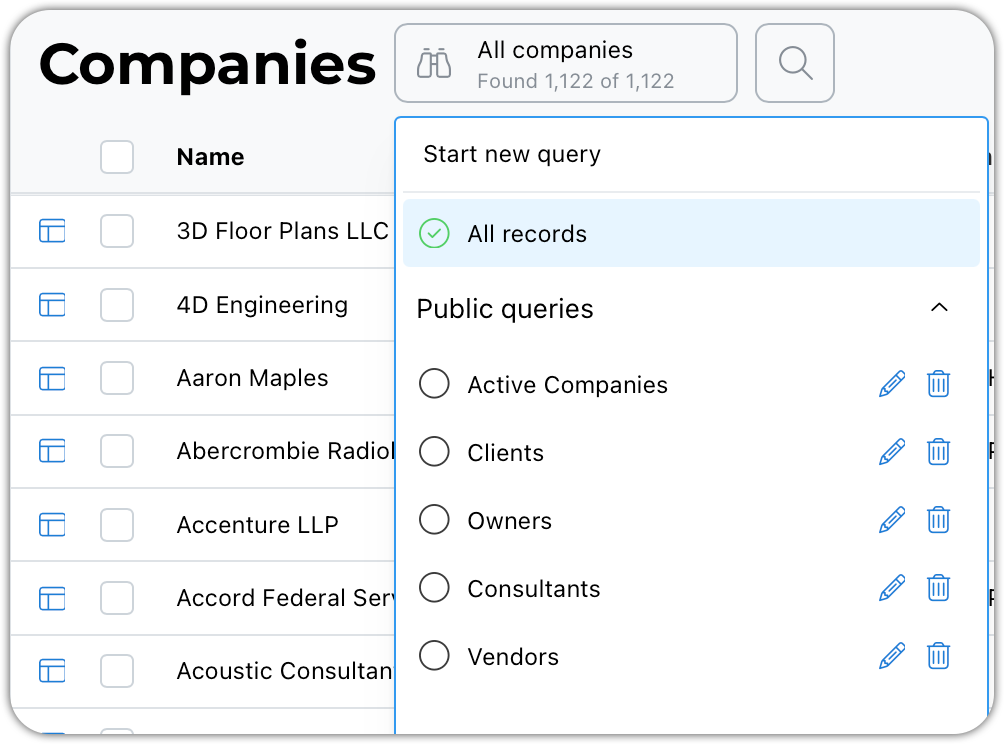
For example:
- Selecting Clients will return all companies that have been used as a client on a project
These queries don’t modify your data—they simply retrieve matching records.
Saving a New Query or Editing an One
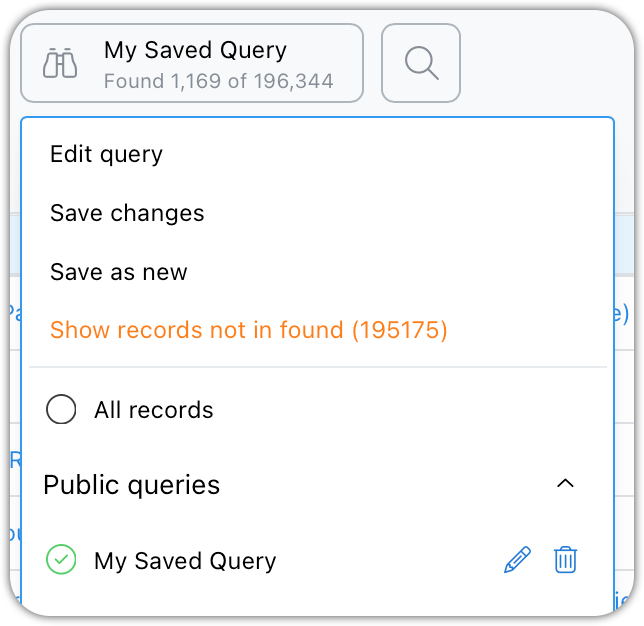
After running a query, be it a new custom query or a saved one, you can save it or create a new one.
The menu options will update depending on the current context.
Using Date Ranges
Date ranges let you enter explicit dates or use dynamic date values such as Last Month or Last Week.
Entering only a start date will include all records from that date forward. Entering only an end date will include all records up to that date.
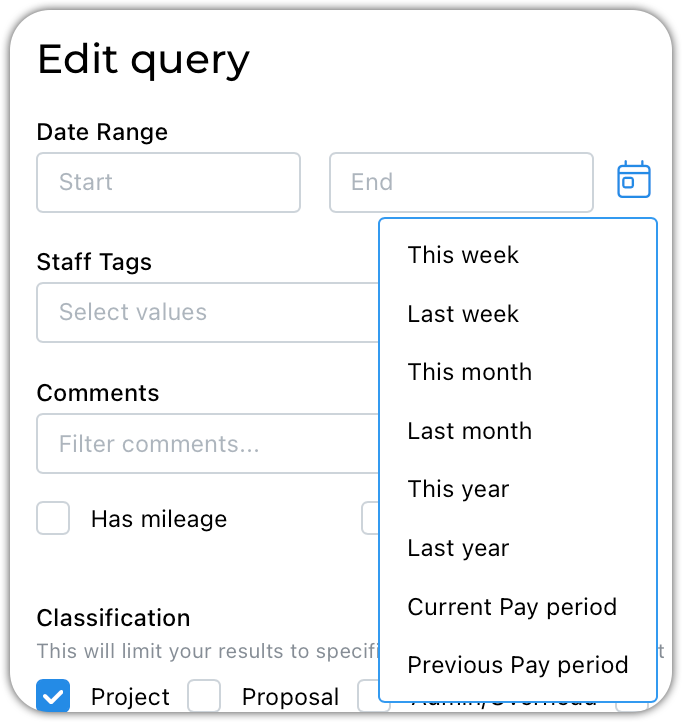
Benefits of dynamic date ranges:
- No need to enter specific dates
- Automatically adjusts based on today’s date
- Works great for saved queries
What to Do After Running a Query
Once records are returned, you can:
- Sort and summarize list views
- Run Quick Reports
- Generate Saved Reports
Queries determine what data is included in all of these actions.
Tips & Best Practices
- Start simple—add criteria gradually
- Use saved queries for recurring tasks
- Use private queries for personal workflows
- Remember: queries find records, reports summarize them