BaseBuilders Knowledge Base

BaseBuilders Knowledge Base

Account and User Administration

Cancel Subscription

We sure hate to see you go. Click your name/avatar at the bottom of the main navigation panel to open settings.

Please take the time to let us know if we could have done anything better that would have kept you around.

  1. Log in to your account and go to settings. You will need to be an account administrator.

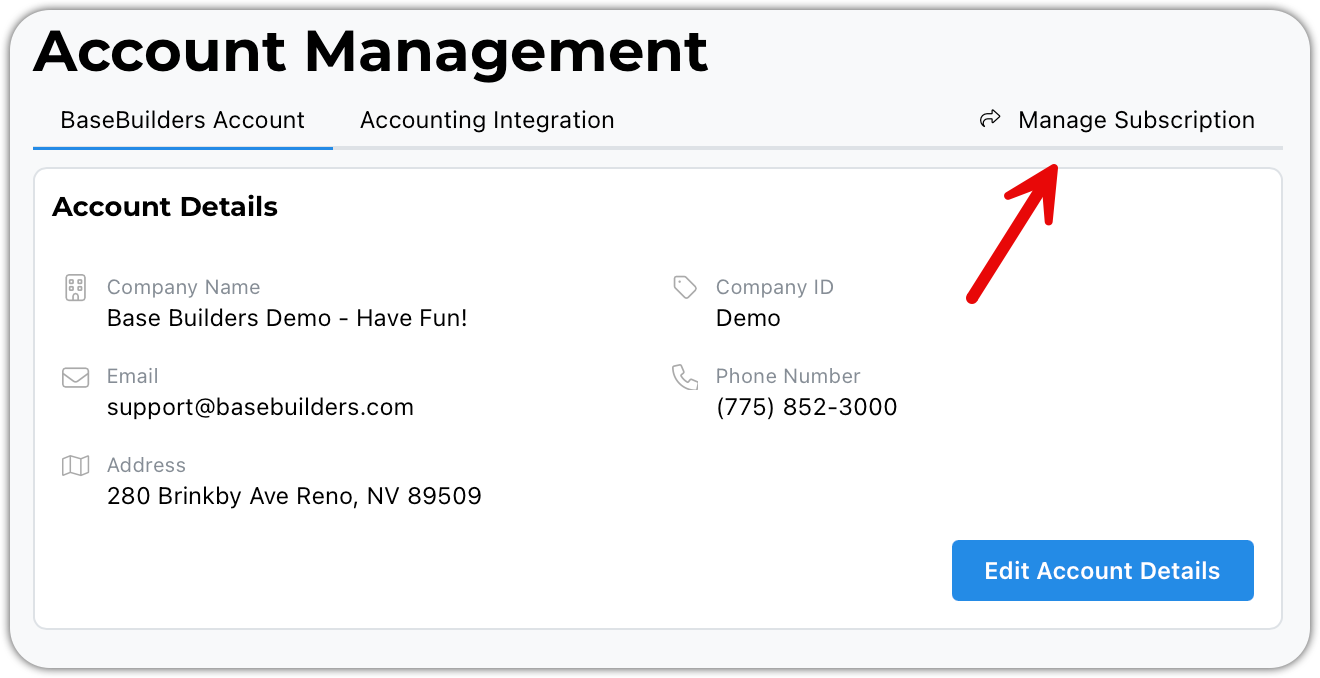
  2. Choose Account Management

  3. Click on Manage Subscription - this will take you to our billing processor

  4. Finally, click on Cancel Subscription
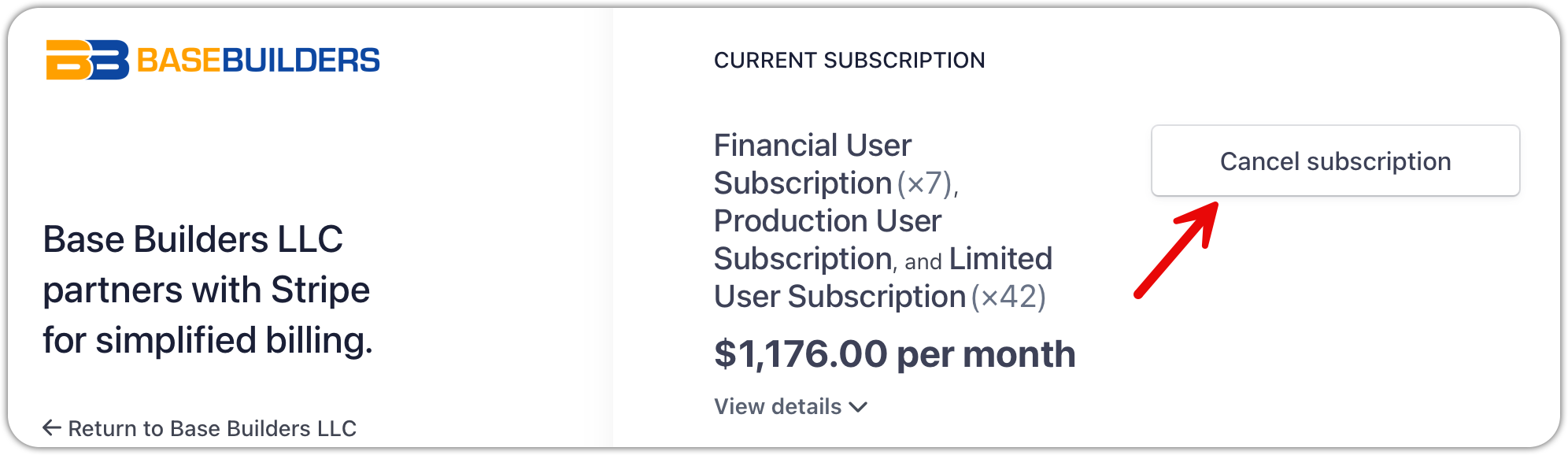
image.pngimage.png

Was this page helpful?
Previous

Change User Email

Next

© 2002-2026 | BaseBuilders, LLC. | All rights reserved.