

Fields of Note
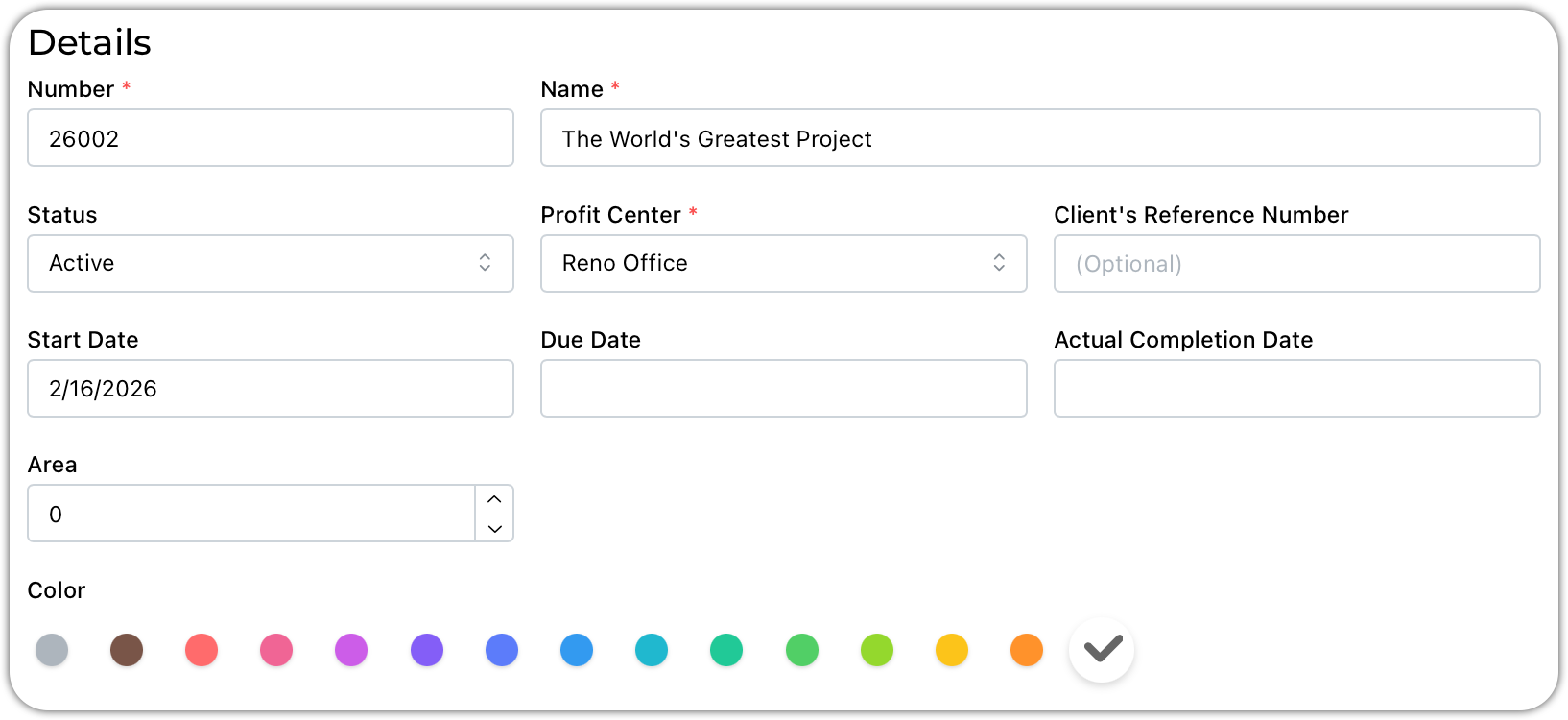
Status - all projects have a status. You can customize your statuses under settings.
Client's Reference Number. Use this for either POs or your client's project number. This will flow onto invoices.
The due date and completion date will flow onto our coming timeline.
Area - enter the square footage or any other unit of measurement. The system will run rations against this value.
You can assign colors to your projects.
Tags & Custom Fields
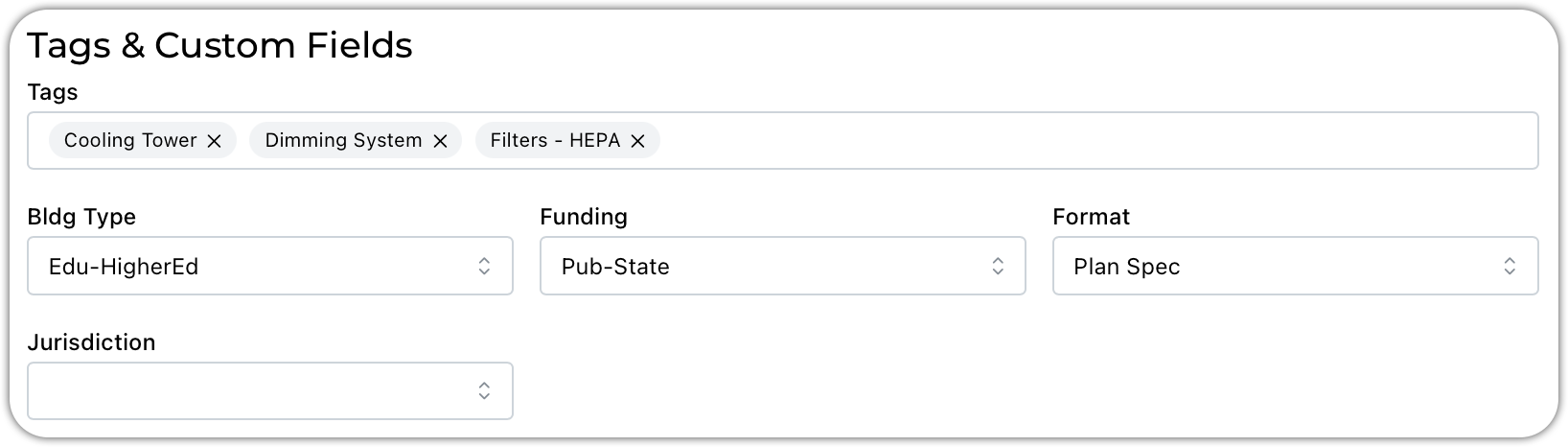
Using information from your settings, you can enter tags and fill in data for any of your custom fields.
Location
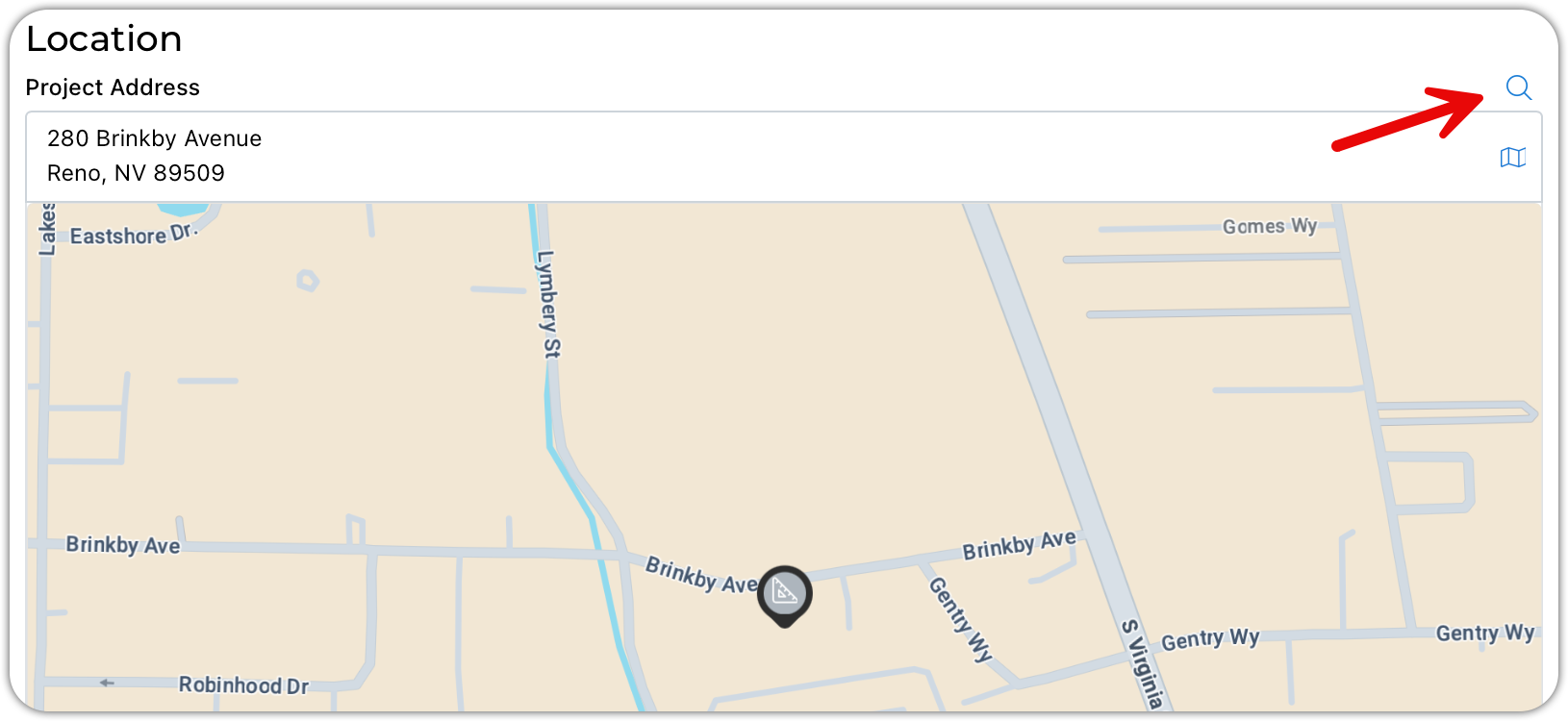
Project locations can be plotted onto Google Maps. Use the search and Google Maps will auto-fill as you type.
Project Scope
These are rich text fields that are usually completed on proposals to describe be project parameters and the scope of services you will be providing. When a project is created from a proposal, these values are copied over. You are welcome to populate or leave them as is.