Video
Schedule of Values
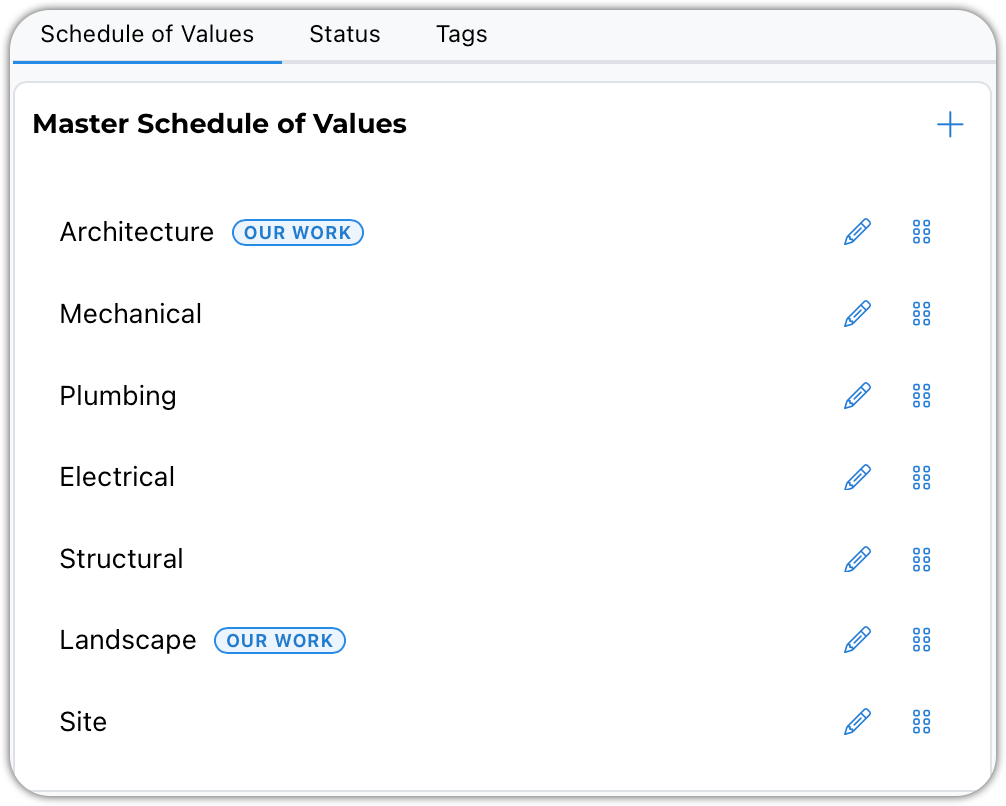
If you want to track the construction costs of your projects, enter the categories you want to use to break down those costs. If you do track these values, BaseBuilders can calculate your fees as a percentage of construction.
You can divide the costs between the work you are responsible for and the work designed by others.
Status
You have two status groups to set up. One for projects and one for phases. Enter the statuses you would like to use for project tracking.
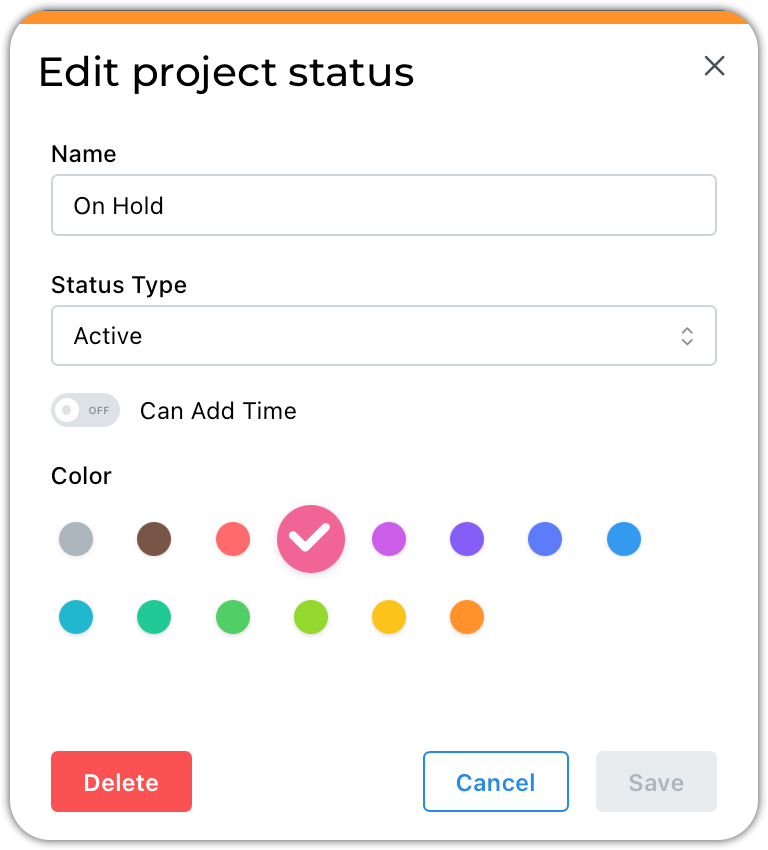
Assign a name, status, and color to each project status. You can also limit which status will allow users to charge time to the project.
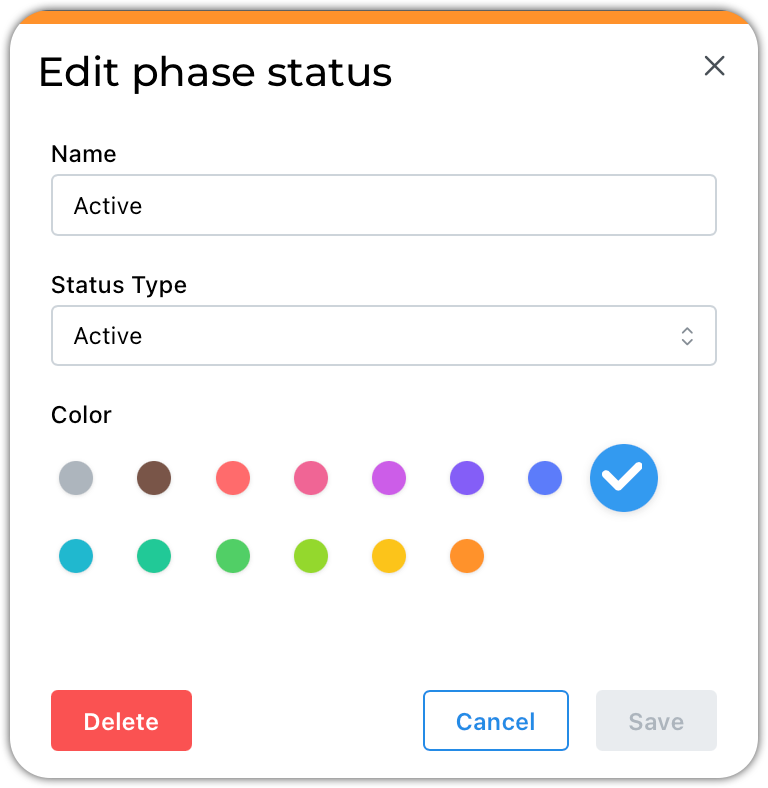
Assign a name, status, and color to each phase status. Time can only be recorded to phases with an active status.
Tags
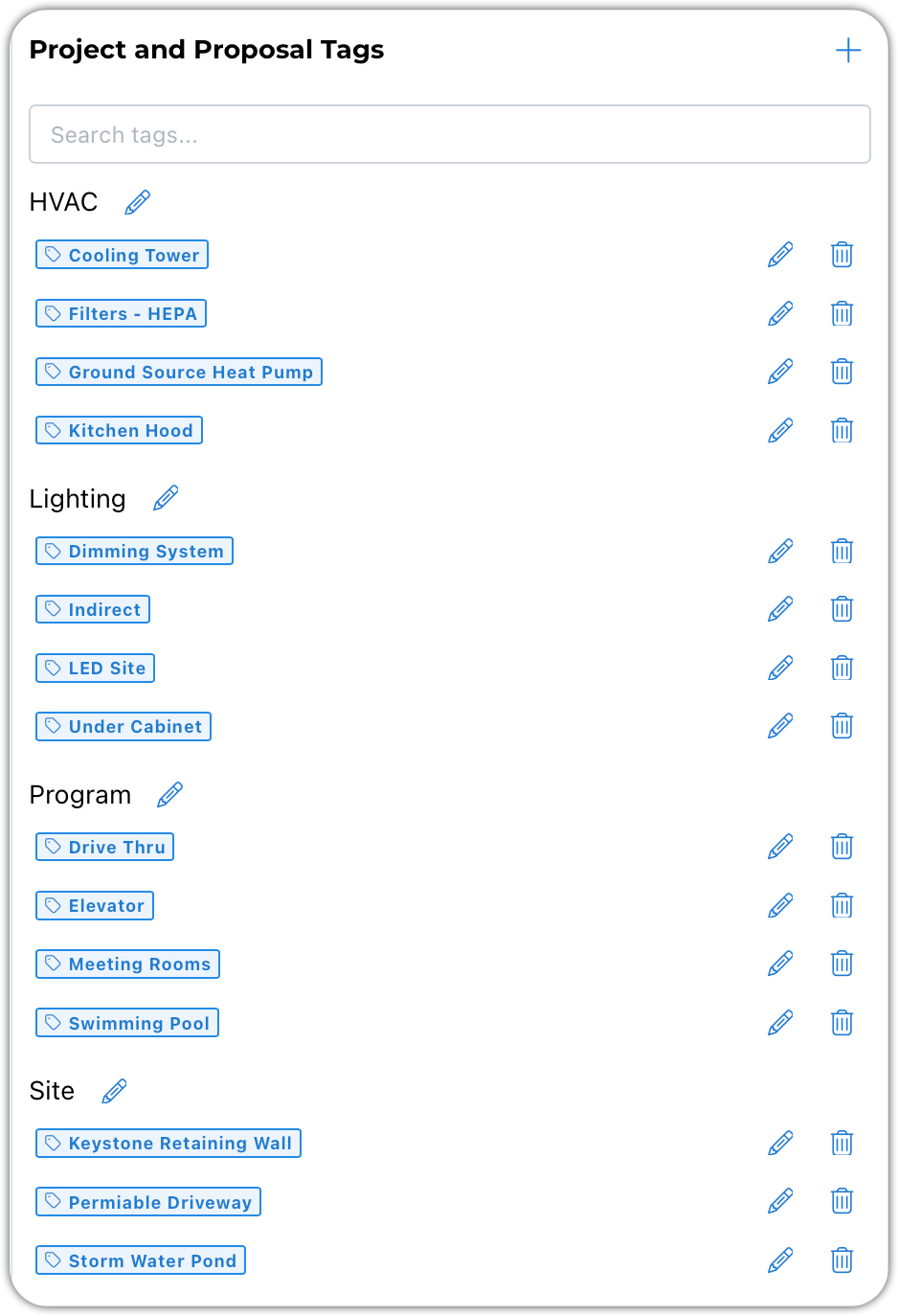
Tags are great for capturing the nuances of projects that get lost or forgotten over time. They can be particularly handy when searching for projects to include a reference work on a resume or proposal.