General Information
The navigation menu and the adjacent side panel are collapsible. Collapsing them will free up screen real estate.
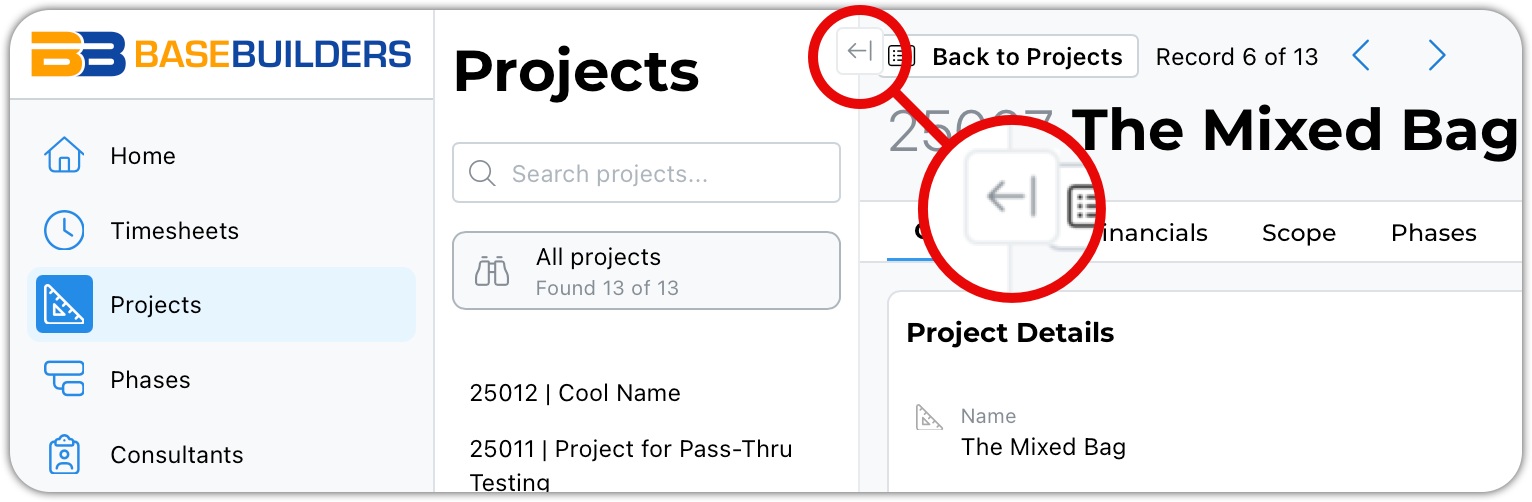
This button closes the list view drawer.
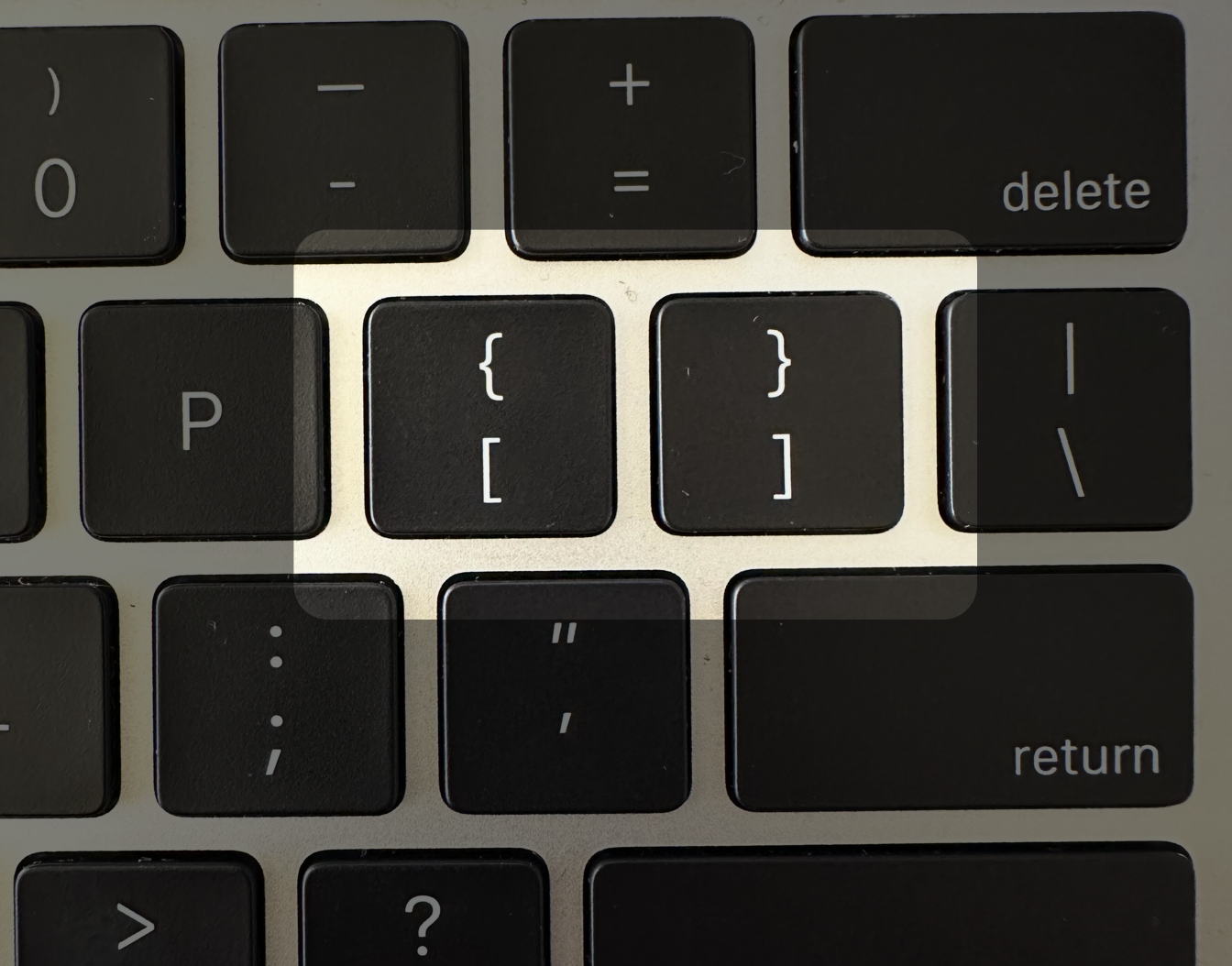
You can also type either of the square bracket keys to the right of the letter P on your keyboard to open and close this drawer.
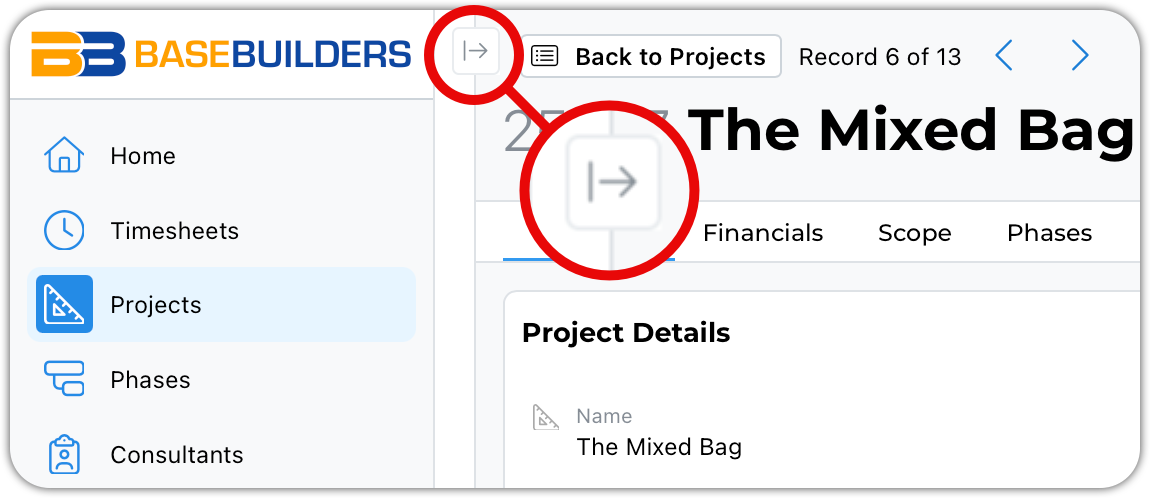
This little guy will open the drawer. Hover over the vertical white space created by the narrowed drawer, and it will open automatically. It will remain open as long as your mouse hovers over it.
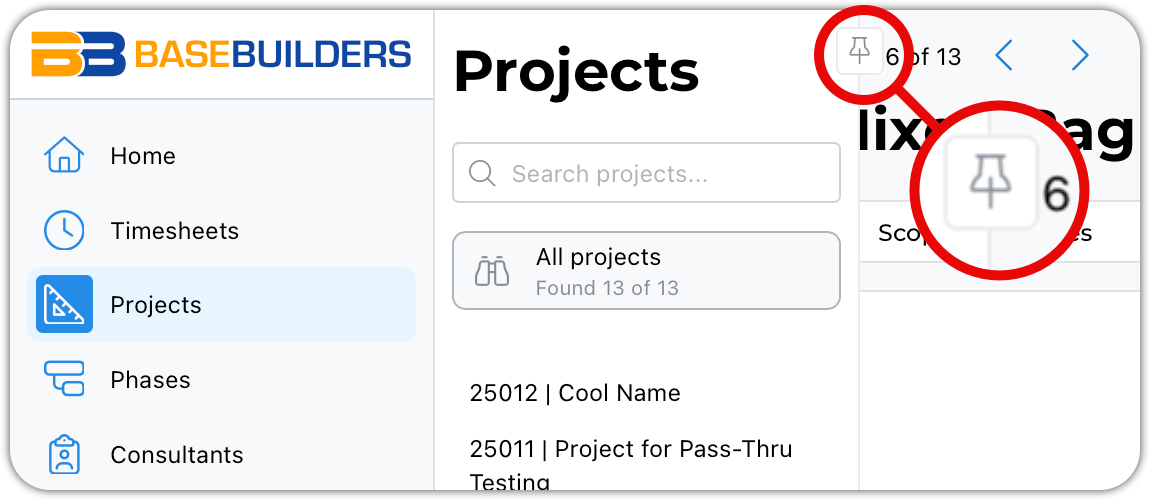
While hovering, you can click the pushpin button to pin it open.
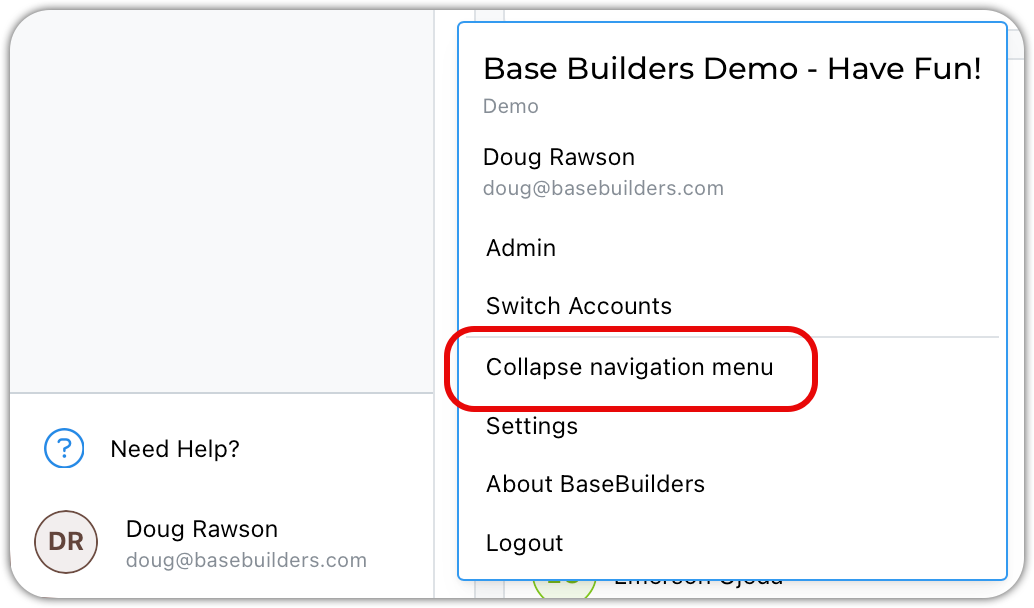
Clicking your name or avatar opens a menu where you can collapse or expand the navigation menu. The menu will read 'Expand navigation menu' when collapsed.
Here is what the collapsed navigation menu appears - icons only.